
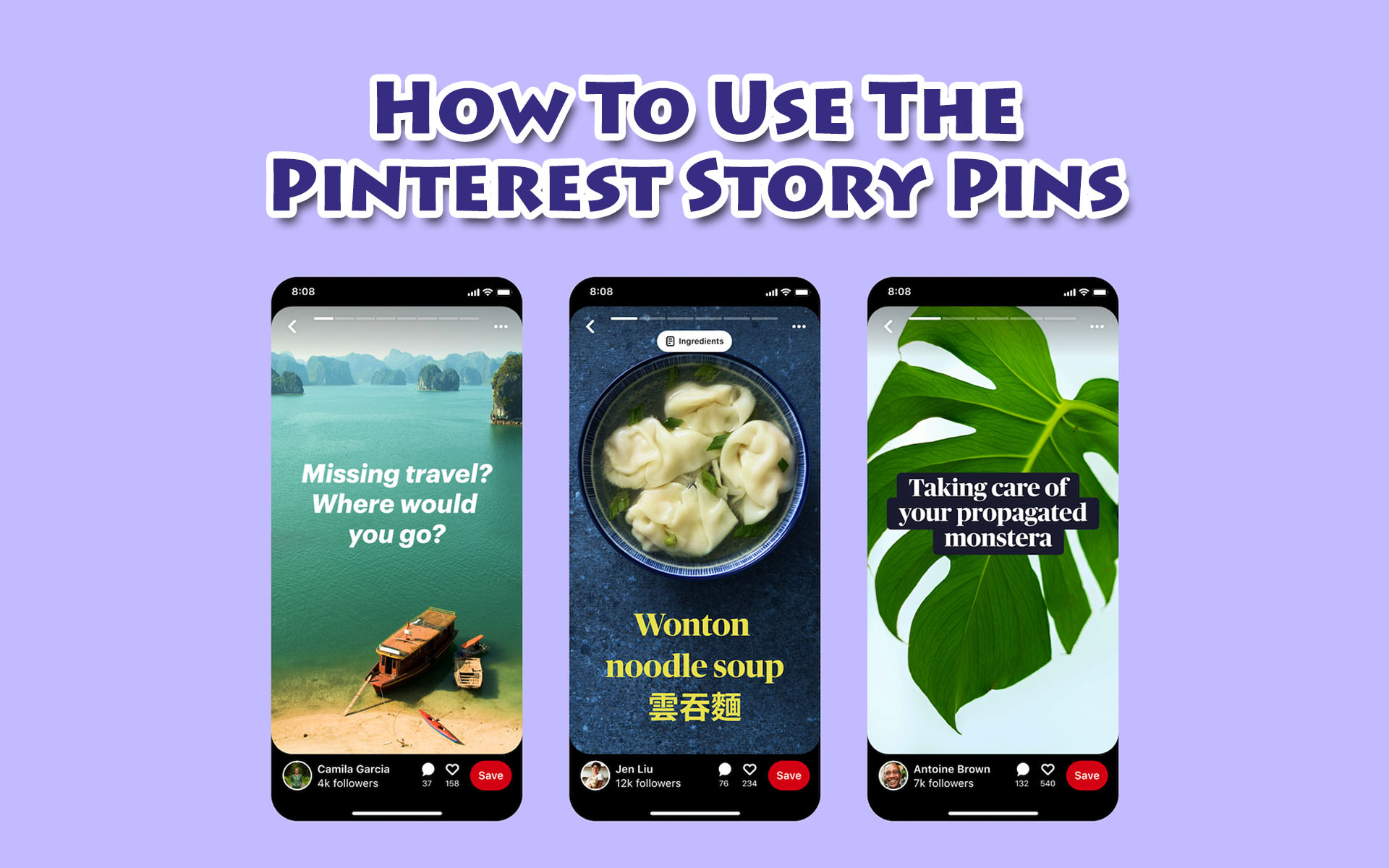
If you think Facebook and Instagram have the coolest story features, then you haven’t tried the newest Pinterest Story Pins.
Story Pins are the latest way for creators to share engaging multimedia stories with their audiences on Pinterest.
Pinterest allows creators to create dynamic and even more visual stories because you can video, texts, overlays, images and even voiceover all at once.
Now, isn’t that exciting?
NOTE: Pinterest Story Pins is currently in beta-testing with a selected number of US-based creators, but in a few months it should be rolled out to international creators as well.
So, how do you create Pinterest Story Pin?
Here is a step-by-step guide that you can follow:
Step #1:
Log into your Pinterest business account and click Create Story Pin.
Step #2:
Click the downwards arrow and choose 1 or up to 20 images or videos or a combination of both from your computer. You can also drag and drop them to add.
Step #3:
Use all the tools available on the right side of the screen to design your pin. You can adjust the layout, background colour, adjust and resize your images and videos, and add texts.
Step #4:
Click the plus icon at the top-left side to add more images and videos. To change your font, your layout or background on multiple pages, hold down shift on your keyboard and then select the pages you want to edit.
Step #5:
Click ‘Next’ and select a details theme from the dropdown menu and add details that you want to add to your Pin.
Step #6:
Next, add more information about your Pin:
- Title Add a title for your Pin. Remember, to think SEO
- Board selector Choose which public board you want to save your Story Pin to from the drop-down menu.
- Tags Add up to 10 tags to your STory Pin
Step #7:
Click ‘Published’, and then you can see how people react and engage with your pins.
Are you excited about Pinterest’s newest feature?
Story Pins are really going to change your Pinterest game.