
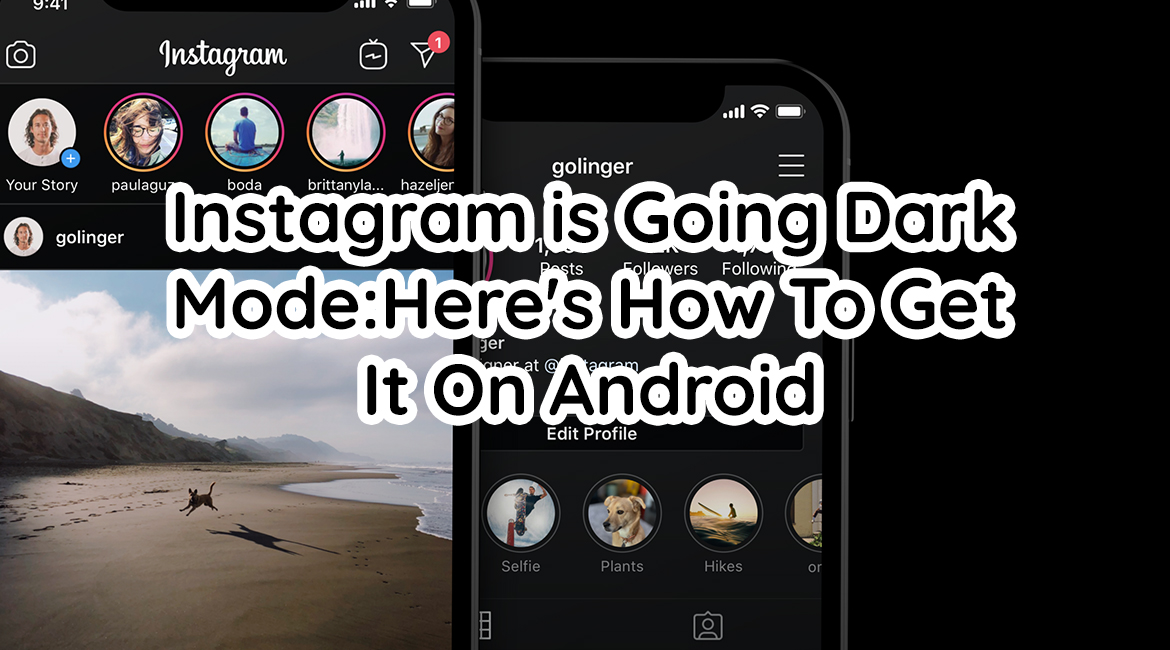
After iPhone iOS 13 released their Dark Mode update, many social media apps are joining the hyped new feature. The dark mode is made to give users better and more comfortable viewing experience. Plus, it helps avoid straining the eyes, especially when viewing at night.
No wonder Instagram has turned dark mode too. Last October 7th, they released dark mode for both Android and iOS.
Luckily for iOS users, they can easily get it by simply turning their phone’s dark mode setting. However, for people who use android, it does take a few steps to have it.
But don’t get intimidated though, it’s very easy to follow. You simply need to have Android 10. Yes, you heard it right! For you to have this feature, you have to have the latest Android OS. So, if you still don’t have Android’s latest OS, you will have to wait.
So, for those of you who have the latest Android OS, here’s how to do it.
First, check if you already have the latest Android OS or check if the update is already available.
Second, when you already have the latest Android OS, turn on your Dark Mode by going to Settings —> Display —> Dark Theme.
Third, you can also turn it on via Battery Saving Mode. Go to Settings —> Battery —> Battery Saver. The two are joined now, as Dark Mode conserves battery life, so if you turn on Battery Saver, you’ll automatically turn on Dark Mode.
Lastly, open your Instagram app and enjoy a Dark Mode set up.
Since this feature was released, many Instagram users are loving it so far.
Turning on Instagram’s Dark Mode on your Android phone is super simple. Although there is no way you can turn it on or off inside Instagram but rather it should work on your phone settings.
The problem is, most android phones do not have the latest Android OS yet. It may take a while though before you can experience dark mode in your Instagram. But if you’re one of the lucky ones, great on you. So, are you loving it so far?